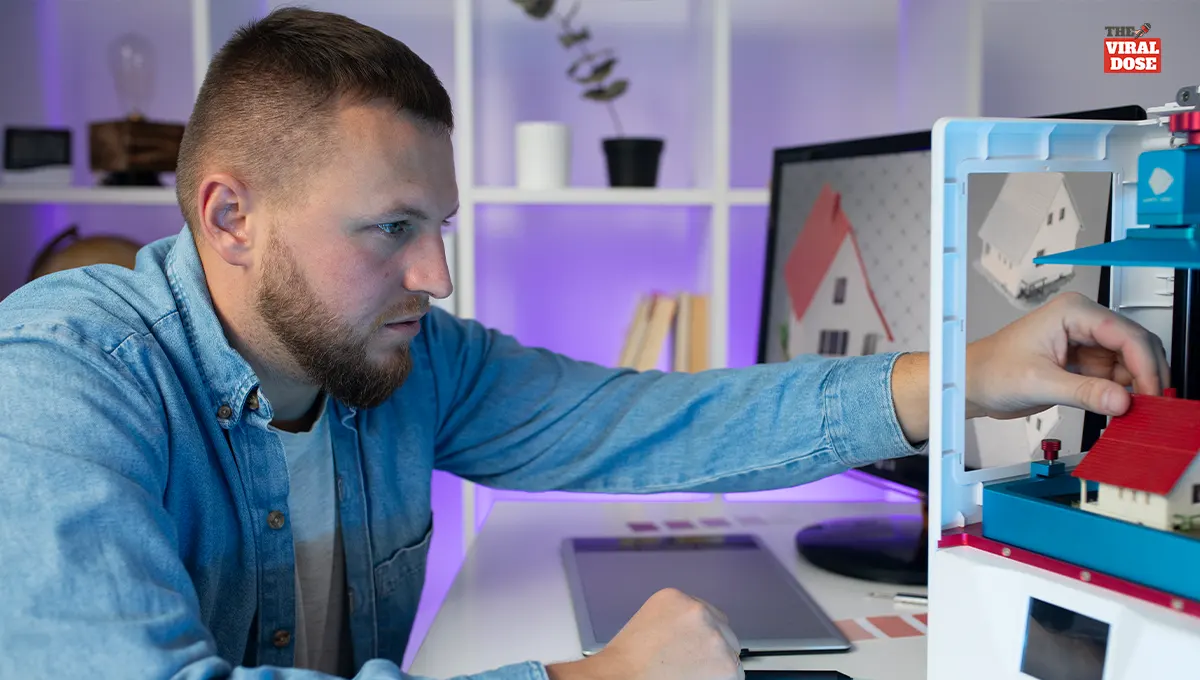
AI 3D Model Generators Are Changing How People Design and Print at Home
Artificial intelligence is making creative technology more accessible than ever, and 3D design is one of the biggest winners.
Tasks that once required hours of modeling experience can now begin with a simple text prompt. Whether you're creating a product prototype, designing game assets, or experimenting with home fabrication, an AI 3D model generator can dramatically speed up the process.
Instead of starting from scratch, creators can focus on refining ideas and bringing them to life faster. As these tools continue to evolve, they are opening exciting opportunities for beginners, makers, designers, and hobbyists alike.
Quick Overview
|
Key Takeaway |
Details |
|
What it does |
Uses AI to generate 3D models from text prompts |
|
Best for |
Product ideas, gaming assets, home projects, education, and rapid prototyping |
|
Works with |
Popular 3D file formats like STL, OBJ, and 3MF |
|
3D Printing |
Most models work after minor mesh cleanup and optimization |
|
Main benefit |
Faster design process with minimal technical experience required |
What Is an AI 3D Model Generator?
An AI 3D model generator is a tool that transforms written descriptions into three-dimensional digital objects.
Instead of manually sculpting every detail, users simply describe what they want, and AI interprets the prompt to build a usable model. This makes it much easier to generate 3D models from text, even for people with little or no modeling experience.
Platforms like Meshy have helped popularize this workflow by simplifying the creation process while still allowing users to refine their designs afterward.
Although AI produces impressive results quickly, professional-quality projects often benefit from small edits to improve geometry, textures, or proportions. Think of AI as a creative assistant rather than a complete replacement for traditional modeling skills.
How Text-to-3D AI Works
Modern AI systems combine natural language processing with generative algorithms to understand descriptions and convert them into digital geometry. The process typically follows these steps:
Text Prompt → AI Interpretation → Geometry Creation → Texture Generation → Export
When creating a text to 3D model, the AI identifies important details such as shape, material, style, and proportions. It then predicts the most suitable geometry and applies textures where supported.
Many platforms allow multiple iterations, helping users refine results with updated prompts instead of rebuilding a model from scratch. This workflow makes it possible to generate 3D models from text in minutes rather than spending hours modeling manually.
What Can You Create?
An AI 3D model generator supports a wide variety of creative and professional projects, including:
- Product prototypes
- Home décor concepts
- Gaming assets
- Character models
- Furniture designs
- Educational visuals
- Marketing mockups
- Architectural concepts
- Mechanical components
Is AI Ready for 3D Printing?
Using AI for 3D printing is becoming increasingly practical, but not every generated model is immediately print-ready. Some files may contain thin walls, non-manifold edges, or mesh errors that require basic cleanup before slicing.
Before printing, it's good practice to:
- Repair mesh issues
- Verify wall thickness
- Check dimensions
- Export compatible formats such as STL or 3MF
- Preview the model in slicing software
Many creators use Meshy to generate initial concepts before making small adjustments in dedicated editing software. A few minutes of optimization can significantly improve print quality and reduce failed prints.
AI vs Traditional 3D Modeling
Both approaches have advantages depending on your project.
|
Feature |
AI 3D Model Generator |
Traditional Modeling |
|
Speed |
Very Fast |
Time Intensive |
|
Learning Curve |
Beginner Friendly |
Steeper |
|
Customization |
Moderate |
Extensive |
|
Best Use |
Rapid Concepts |
Final Production Assets |
|
Creativity |
Prompt Driven |
Fully Manual |
AI excels at quickly generating concepts and early prototypes, while manual modeling remains the better choice when projects require engineering precision, detailed customization, or production-ready accuracy.
Tips for Better AI Results
The quality of your output depends heavily on your prompt. Instead of writing "modern chair," try something like:
"Minimalist Scandinavian oak dining chair with curved legs and matte finish."
For better results:
- Include materials and dimensions.
- Describe colors and textures.
- Mention the intended purpose.
- Generate multiple versions.
- Refine prompts gradually.
When creating a text to 3D model, specific descriptions consistently produce more accurate results than short or vague prompts. Small wording changes can dramatically improve the final design.
Limitations and Best Practices
While AI has transformed 3D creation, it still has limitations. Complex engineering parts, intricate moving mechanisms, and highly detailed production assets often require manual refinement. AI-generated models may also need polygon optimization, texture adjustments, or geometry corrections before final use.
Always review licensing terms, inspect exported files, and test compatibility with your intended software or printer. Saving your original prompts also makes future revisions much easier. Many professionals use Meshy and similar platforms as idea generators, then complete the finishing work using traditional 3D software for maximum quality and precision.
Conclusion
An AI 3D model generator is changing how creators approach digital design by making 3D modeling faster, more approachable, and easier to learn.
Whether you're looking to generate 3D models from text, experiment with AI for 3D printing, or prototype your next creative idea, AI offers an efficient starting point without replacing the value of human creativity.
The best results come from combining thoughtful prompts with careful refinement and testing. Start experimenting with different prompts, compare your outputs, and discover how AI can simplify your next design project while expanding what's possible from your own workspace.